P2i Main Dashboard
The P2i Main Dashboard displays by default after successfully logging into P2i. Refer to Login to Sourcing.
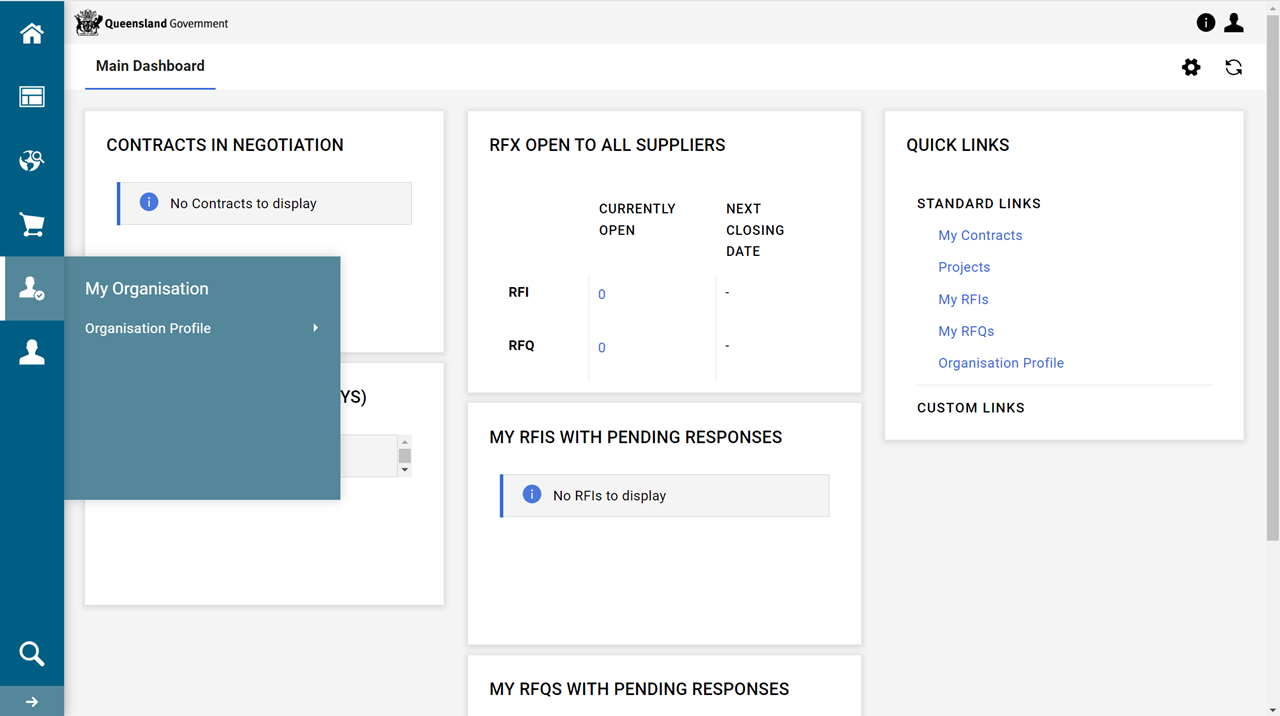
The main areas of the dashboard are highlighted in the following image.
.png)
Tip The QUICK LINKS portlet allows easy access to parts of the dashboard instead of clicking through the menu bar. Therefore, consider moving the portlet to the top left. Refer to Rearrange portlet/s on dashboard.
Configuration of the dashboard.
To rearrange the portlets shown on the screen, refer to Rearrange portlet/s on dashboard.
To change the dashboard layout (i.e. number and/or width of portlet columns), refer to Arrange the main dashboard's layout.
To add another dashboard (to add specific portlets), refer to Add a new tab and portlet/s to the dashboard
 Menu Bar
Which menu bar icons appear in dependant on the User Rights of the user. Refer to User Rights table.
Tip
-
Click the arrow at bottom of the menu bar. It expands the menu bar to include the name of the first level. This is useful to see the menu's icon name (i.e. its function).
-
Click
 to return to the P2i Main Dashboard.




 My Organisation menu item

Refer to Organisation Profile Details.
 User Management menu item

Refer to Managing users.
-
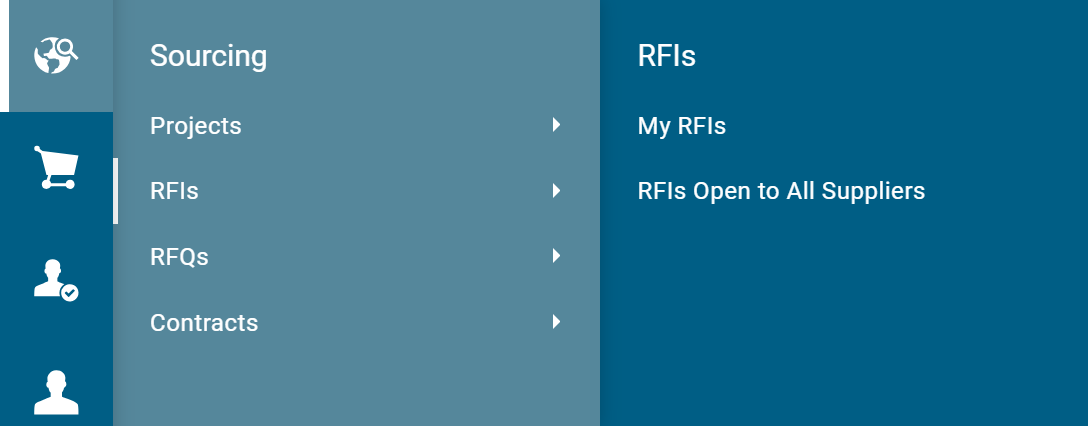
Click one of the menu icons to activate the menu flyout.
Tip When
 is displayed on a menu item, there are sub menu items available.
 -
Click the menu item to display the sub menu items.

User
Click  in the top-right corner of the dashboard.
 person.png "Click to expand/collapse.")
The options available are:
Help
Click  to open the P2i Help Centre.
Tip The Help Centre has been created to provide easy-to-use instructions on how to use P2i. It includes step-by-step instructions, user simulations, a search function and tutorial videos.
Accessibility
-
Click Accessiblity to open the Accessibility Quick Start Guide.
-
Click
 to close the browser and return to the Main Dashboard.
 User Profile
-
Click User Profile.
_thumb_150_0.png "Click to expand/collapse.")
-
Click
to return to the P2i Main Dashboard.
.png "Click to expand/collapse.")